Local-first files
Your work lives as plain files on your own computer — private, secure and writable offline; no lock-in, no proprietary formats. Switch devices or tools and the folder comes with you.
 BigLazyCat Creator
Pick a topic, think it through, build it up, share it out — the 大懒猫 creator workspace grows every spark into finished work.
Local-firstAI-firstGit-first
Get started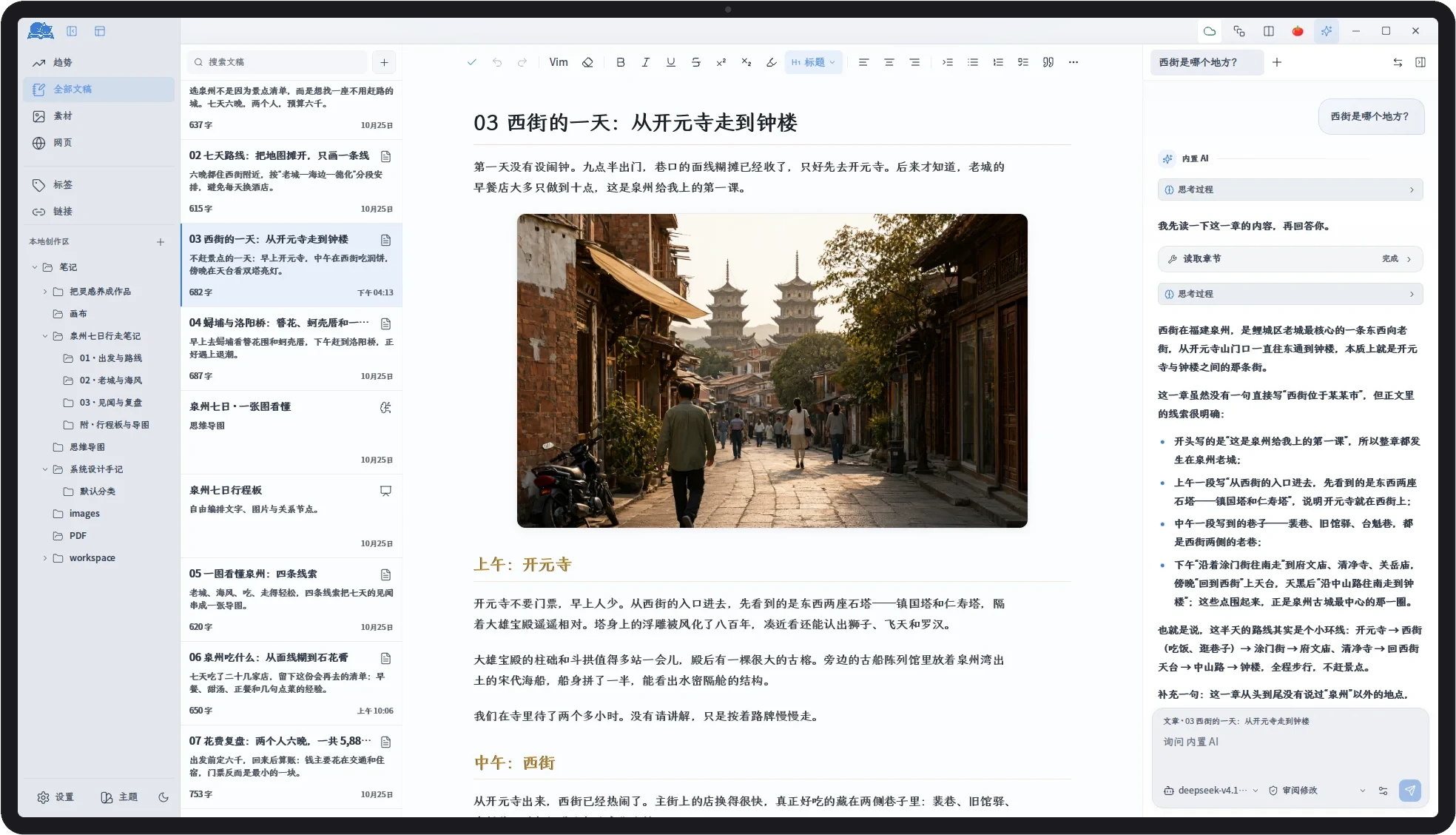
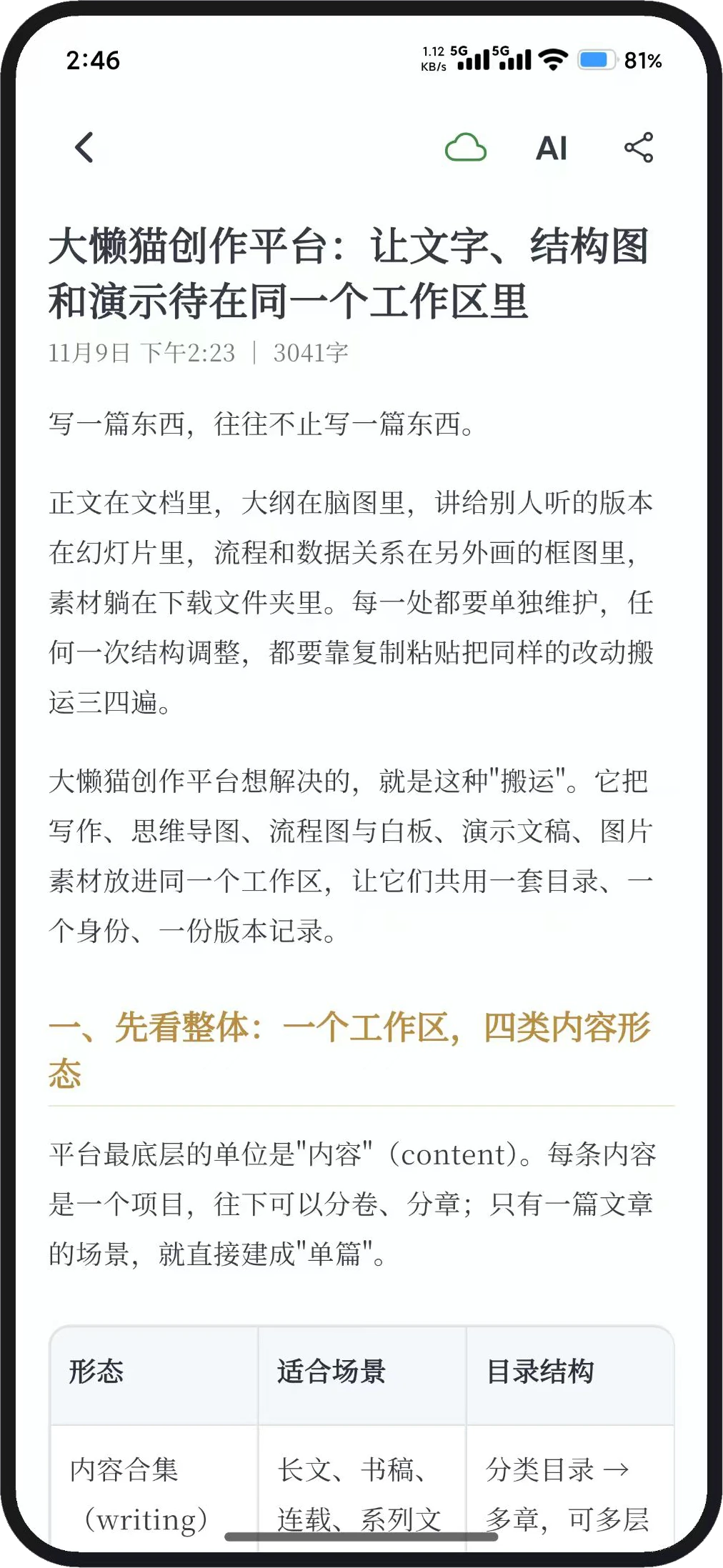
From writing and organizing to canvas, mind maps and AI — every core feature gets its own tour, shown with real screens.
Your work lives as plain files on your own computer — private, secure and writable offline; no lock-in, no proprietary formats. Switch devices or tools and the folder comes with you.
Reuse the Codex and Claude CLIs already installed on your machine, or configure your own API endpoints in the app; continue, rewrite, polish and search your whole library with AI always at hand.
Pure keyboard control with VIM keybindings — hands never leave the home row; pair it with flow mode and the pomodoro timer for deep-focus writing.
Windows, macOS, Linux and Android — at the office, at home or on the commute, pick up exactly where you left off.
What you type is the final layout, with a source-code mode for side-by-side comparison; tables, code highlighting, formulas, images and multiple tabs are all there.
The outline panel gives you the whole volume and chapter structure with batch re-leveling; jot annotations beside paragraphs so revision clues never get lost.
A paragraph-by-paragraph writing flow, with a pomodoro timer and typing aids, helps long-form authors actually finish the book, day by day.
Type [[ to link chapters and materials; backlinks collect automatically, weaving characters, foreshadowing and ideas into one web.
Tag content, images and prompts, merge similar tags and clean up unused ones, and click any tag to see everything related.
One search across works, chapters, PDFs, images, mind maps, canvases and prompts; jump straight to the hit with highlighting.
Grow outlines into maps in one click, with node styles and outline import, saved as real files on your disk.
Lay out ideas with nodes and connections, attach canvases to chapters, and let AI restyle the canvas on command.
A local PDF library with full-text search and annotations, AI summary assisted reading and full-page translation.
Prompt templates and size-ratio presets, an async task queue, and finished images filed automatically for instant use.
Look things up in the built-in browser and clip web articles into Markdown in one click, with images saved locally.
Format with one-click themes, upload body images and covers automatically, and deliver drafts straight to your WeChat account.
Turn a collection into a book: EPUB e-book, Word manuscript or print-ready PDF, with cover, TOC and volume splits.
Drag tabs into standalone windows on another display and split the main window side by side — write, research and sketch at once.
A built-in MCP server callable by external AI clients such as Codex and Claude, plus external MCP tools to extend your workflow.
An open plugin system: standalone pages, commands, custom file editors and scheduled tasks can all come from plugins; the official SDK and template repo work out of the box, with the full guide under "Plugin development" in the Help Center.
Export to EPUB / PDF / DOCX at will; WebDAV / S3 / Git keep multiple devices in sync.
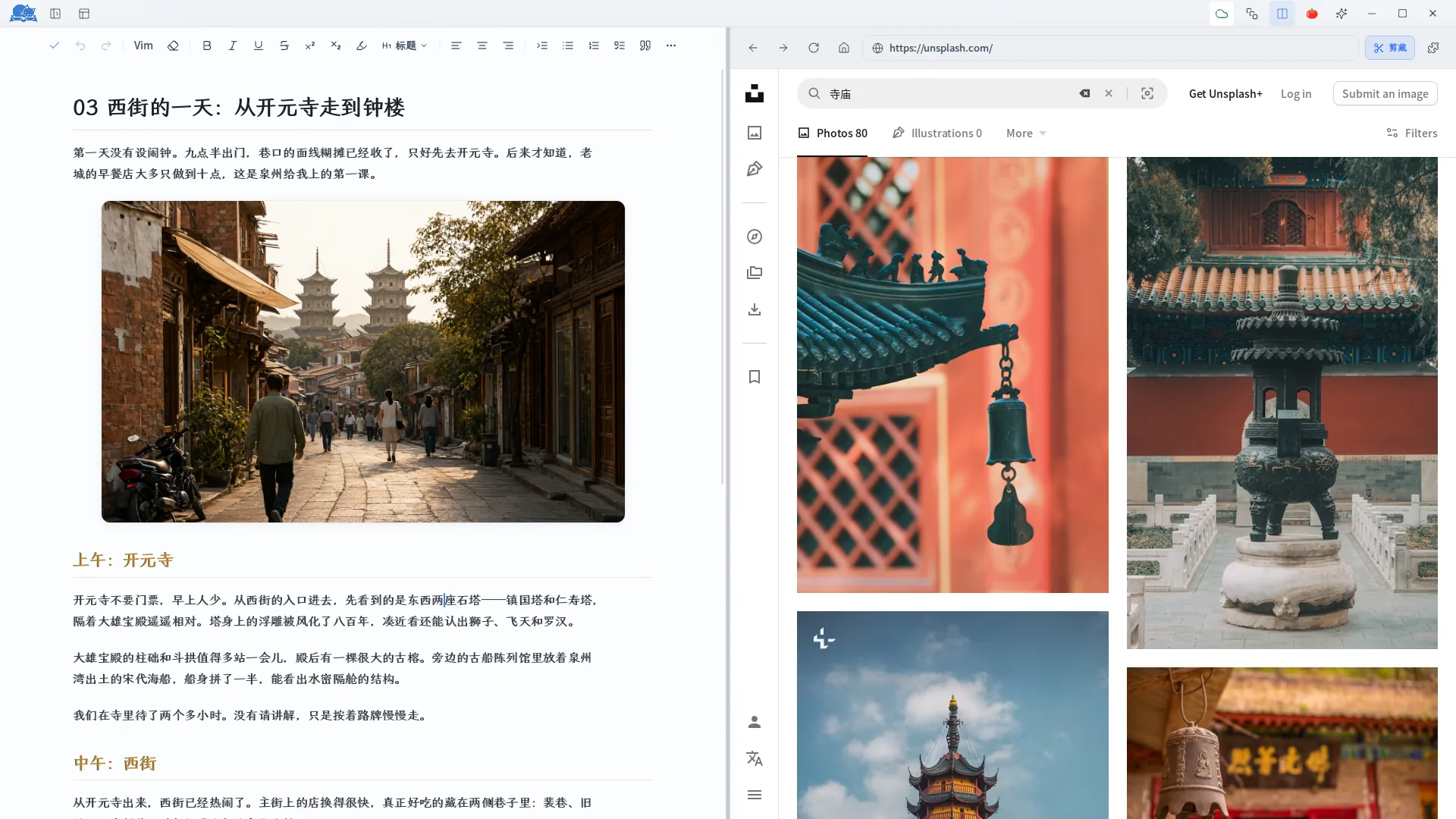
The built-in browser opens multiple tabs beside your draft; image-grab and article-clipping extensions ship built in — save any page into your library in one click and keep writing.
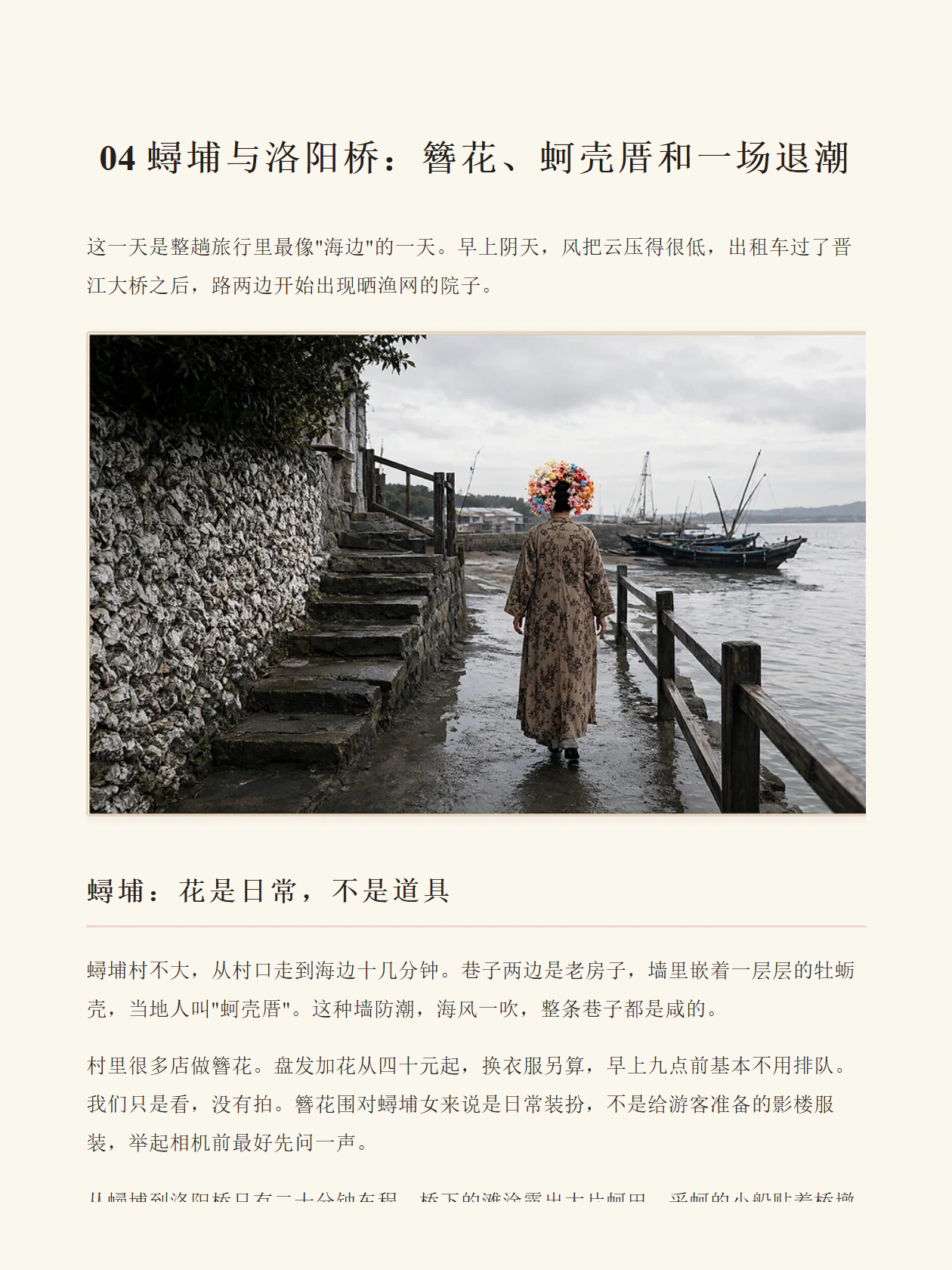
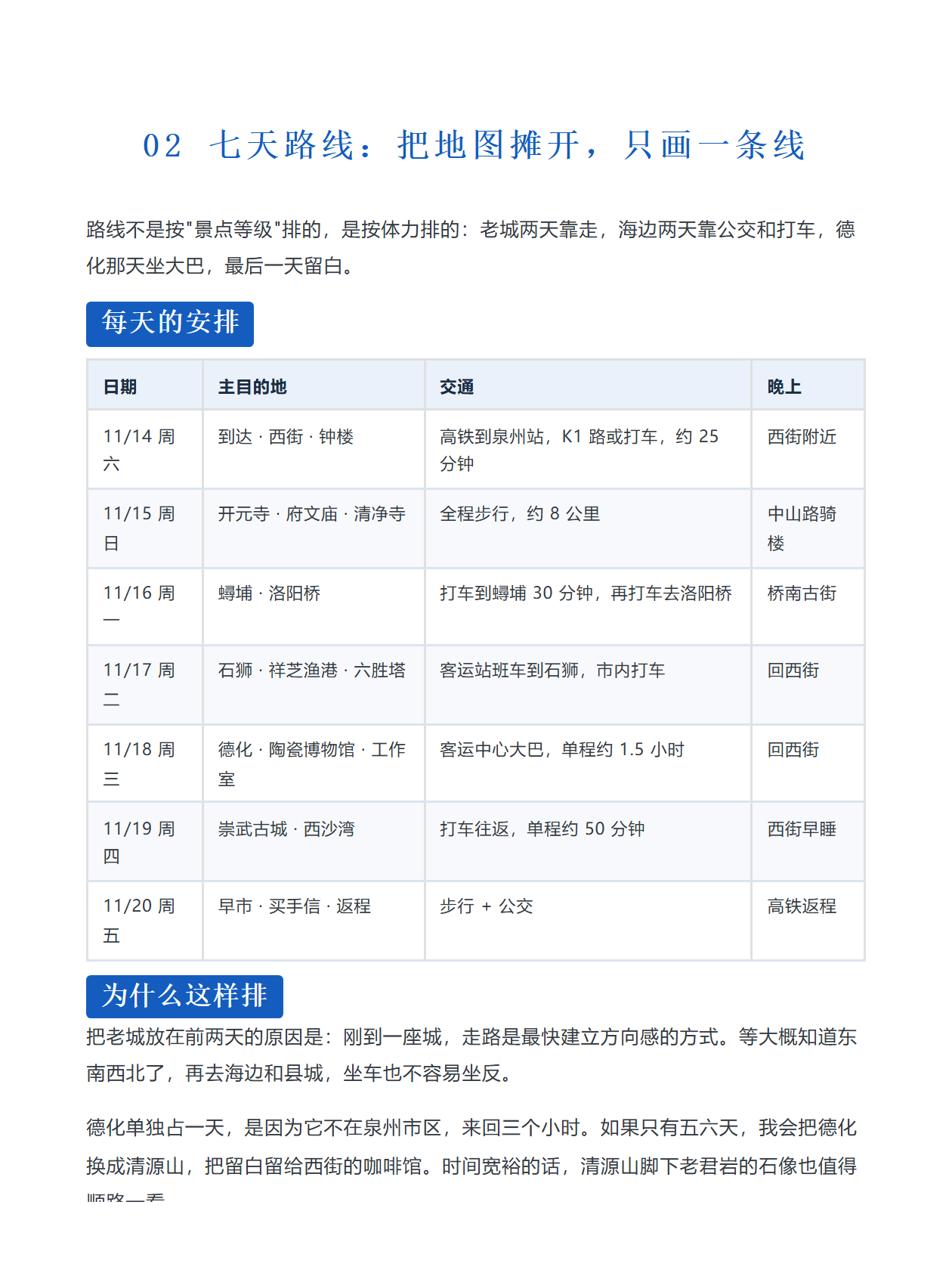


From Chinese-paper heritage to dark tech, every theme is a complete typography system — fonts, rhythm and section ornaments pre-tuned and ready to apply.
None of them feels right? Describe the mood and let AI tailor a theme of your own.
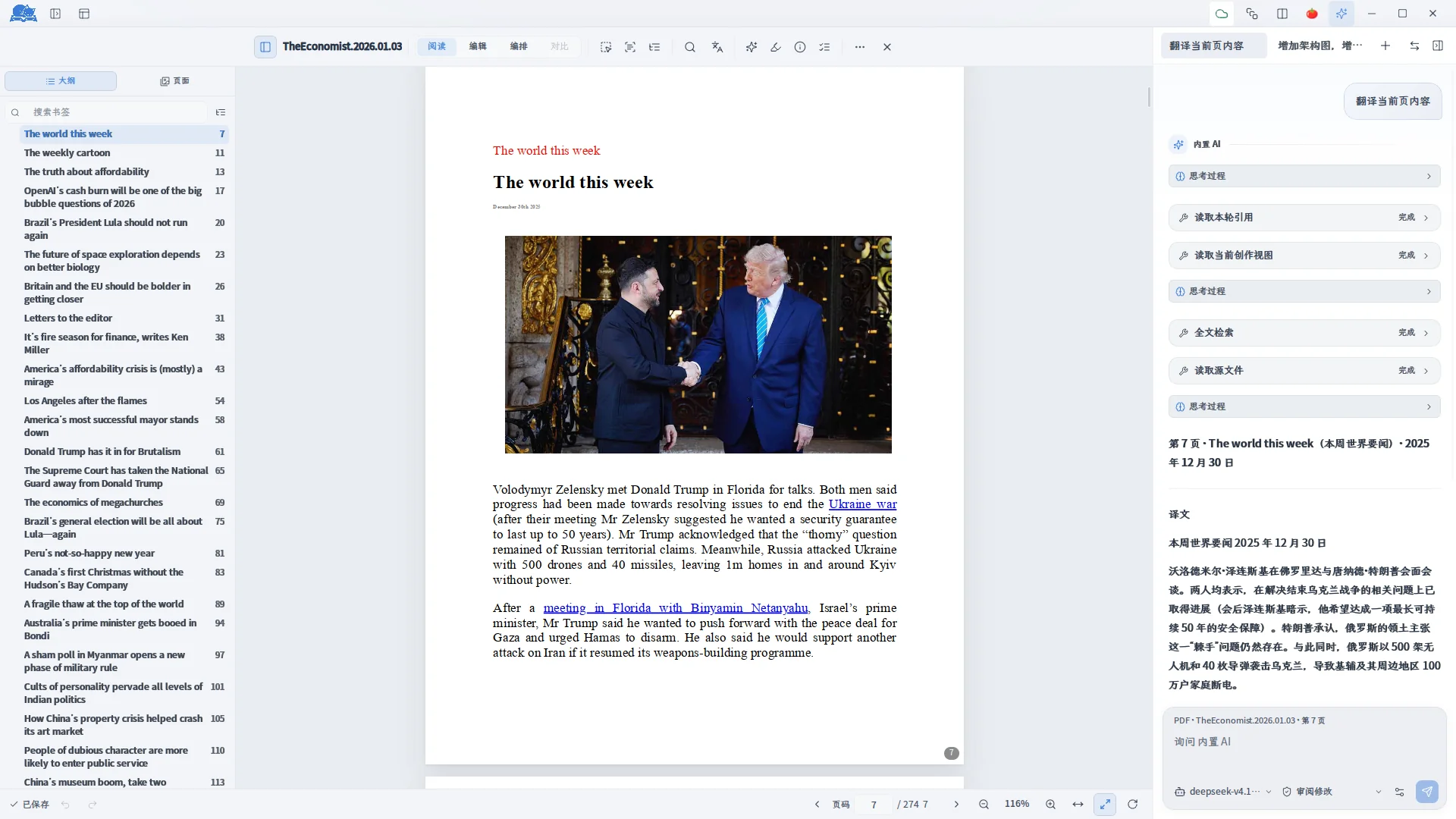
A local PDF library with full-text search, AI summaries, full-page translation and side-by-side notes — your annotations land right where you read.
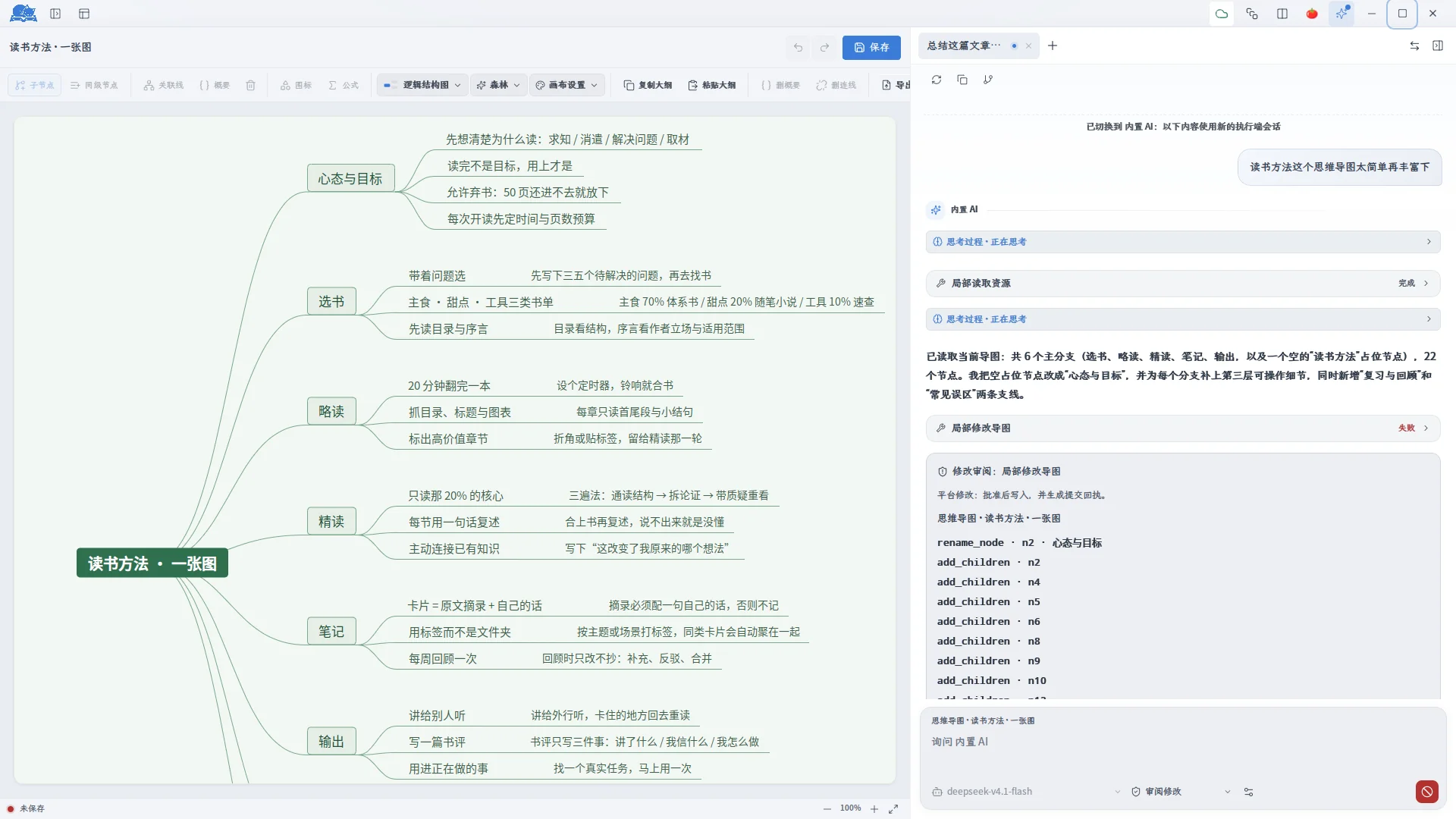
Outlines grow into mind maps in one click, with node styles, icons and relation lines; reading notes become a visible map you can keep pruning.
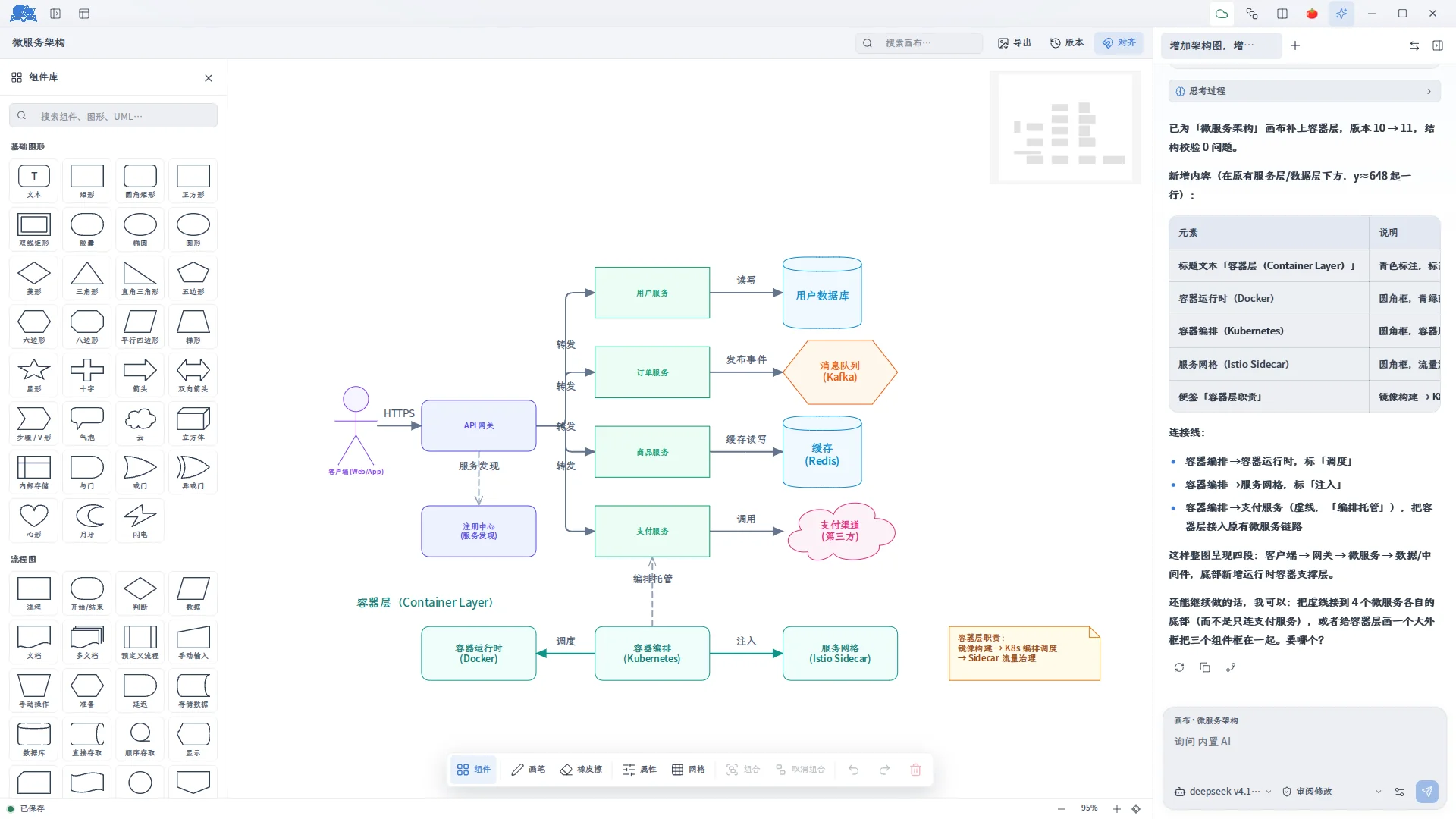
A rich component library, AI image generation and editing on the canvas, customizable node styles and connectors — architecture, flowcharts or plot lines, all on one canvas.
BigLazyCat Creator combines Markdown writing, linked notes, AI assistance and research tools in one workspace. Plan chapters with mind maps, collect references in canvas and PDF views, and prepare articles and books for publishing. Your work stays in files on your own device.
Free 30-day full-feature trial · one code per machine, migratable
¥129One-time purchase, use forever, updates included
Buy nowTry all features free for 30 days before purchasing. This digital product is non-refundable and cannot be exchanged after purchase.
Select a platform to download. Open “All packages” for other formats and architectures.
BigLazyCat Creator brings writing, research materials, AI, mind maps and canvas into one desktop workspace for novelists and content creators.
Content generated with 大懒猫创作平台 and then edited and assembled by you belongs to you. 大懒猫创作平台 is only a creative assistant and makes no claim over your copyright.
GLM, DeepSeek, Gemini, OpenAI and other mainstream models are supported out of the box, and any OpenAI-compatible endpoint works too. Model requests go straight to the provider you configure — no proxying, no revenue share, no markup.
Yes. The desktop edition has a single tier: one-time purchase, own it forever. No subscription, no free-versus-pro levels — writing, AI, formatting, publishing, canvas and mind maps are all yours after purchase, with future version updates included.
No activation code needed — download the desktop edition and the 30-day full-feature trial starts right away. After it ends the app becomes read-only while your works and data stay untouched; full features return the moment you buy an activation code.
This website provides product information, downloads and documentation. Your desktop files stay on your device. When you use AI, relevant content is sent to the model service you configure.
The desktop app supports Windows, macOS and Linux; an Android app is also available. See the official release pages for currently published packages.
Yes. Configure a compatible endpoint, model name and API key in the desktop app, or use locally installed Codex or Claude commands. The help center explains setup.
Yes. The desktop app ships a plugin center and a plugin runtime: plugins can provide standalone pages, commands, menu entries, custom file editors and scheduled tasks — the official WeChat publishing and typeset-export features are themselves plugins. Developers should start with the "Plugin development" section in the Help Center, which walks through creating a project from the template, writing the manifest, the SDK surface, and packaging & installation.